 Lacefall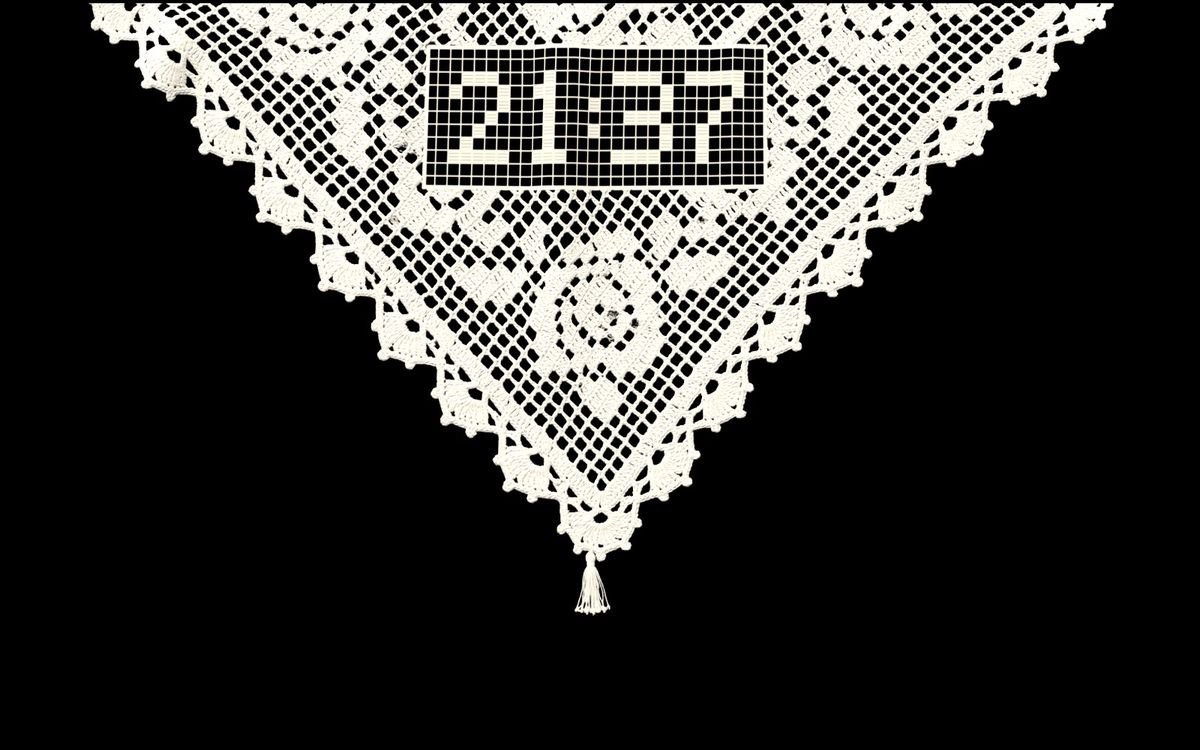
Lacefall
Lace for your Mac.
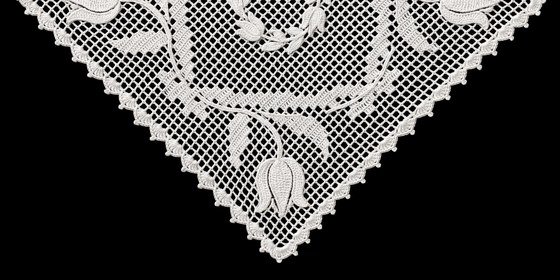
A Turkish lace doily that hangs from the top of your screen and behaves like real cloth.
Lacefall
A Turkish lace doily that hangs from the top of your screen and behaves like real cloth.
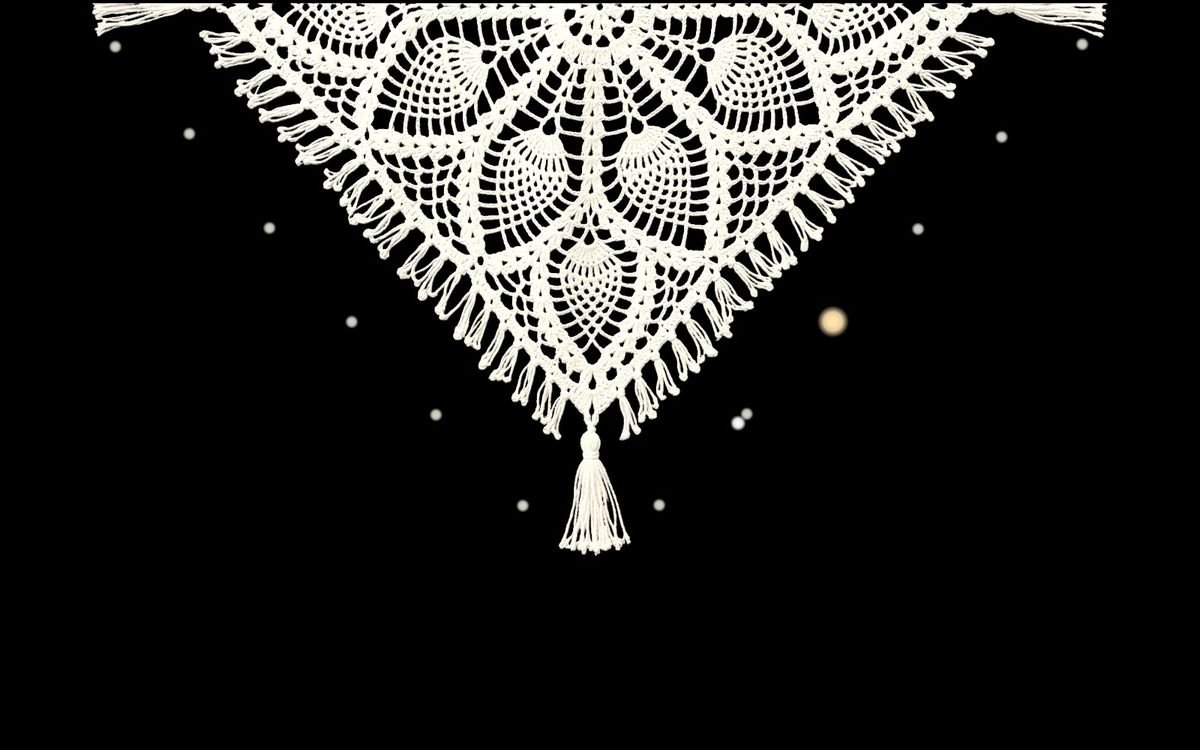
Lacefall reads the hinge of your MacBook. The cloth swings forward as the lid closes, then settles.
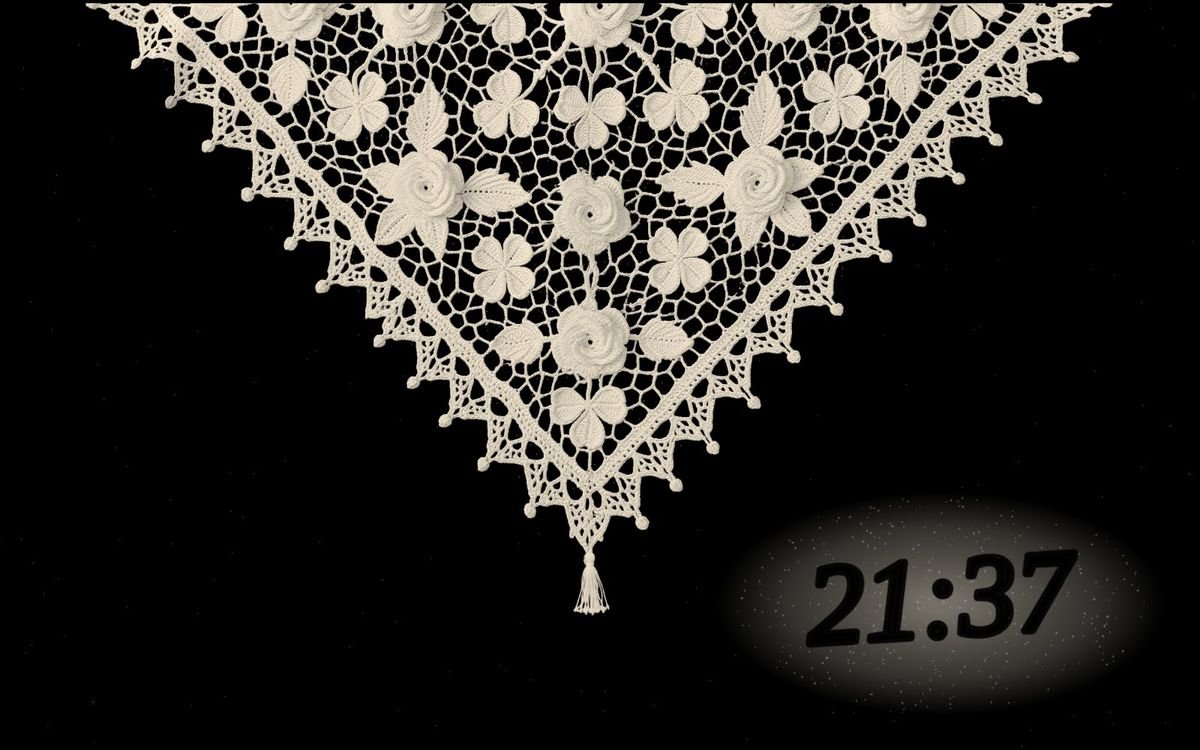
Leave your Mac alone and the lace slowly greys. A quick dip of the lid shakes it clean.
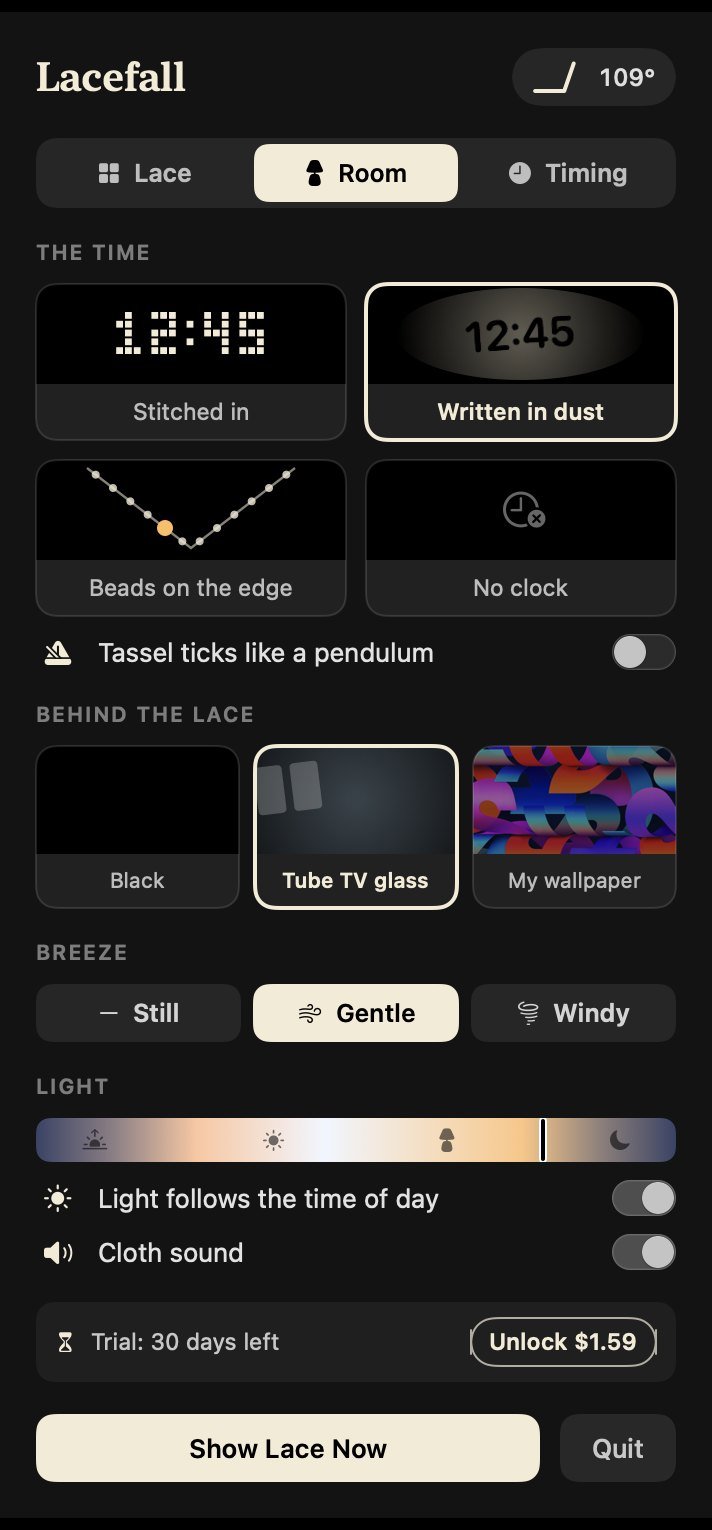
Stitched into the lace, written in the dust, or counted in beads along the edge.
A white crocheted cloth over the TV, the radio, the stereo. Handmade, starched, and straightened every time someone walked past. Lacefall puts it back on the screen you look at most.
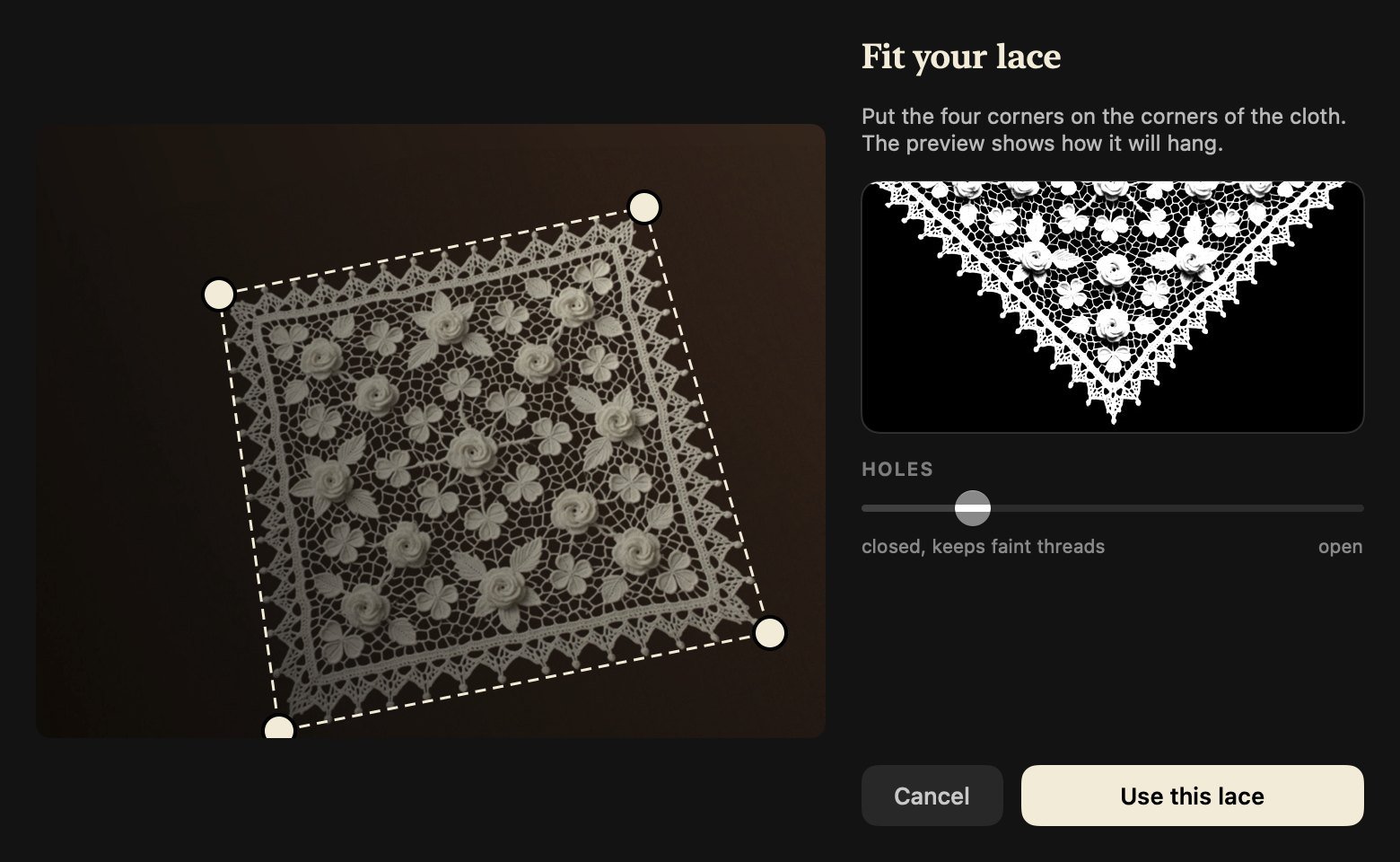
Photograph a real doily. Lacefall finds its corners, opens the holes and hangs it on your screen. The photo never leaves your Mac.
Pure black, the grey glass of a switched-off tube TV, or your own wallpaper, dimmed.
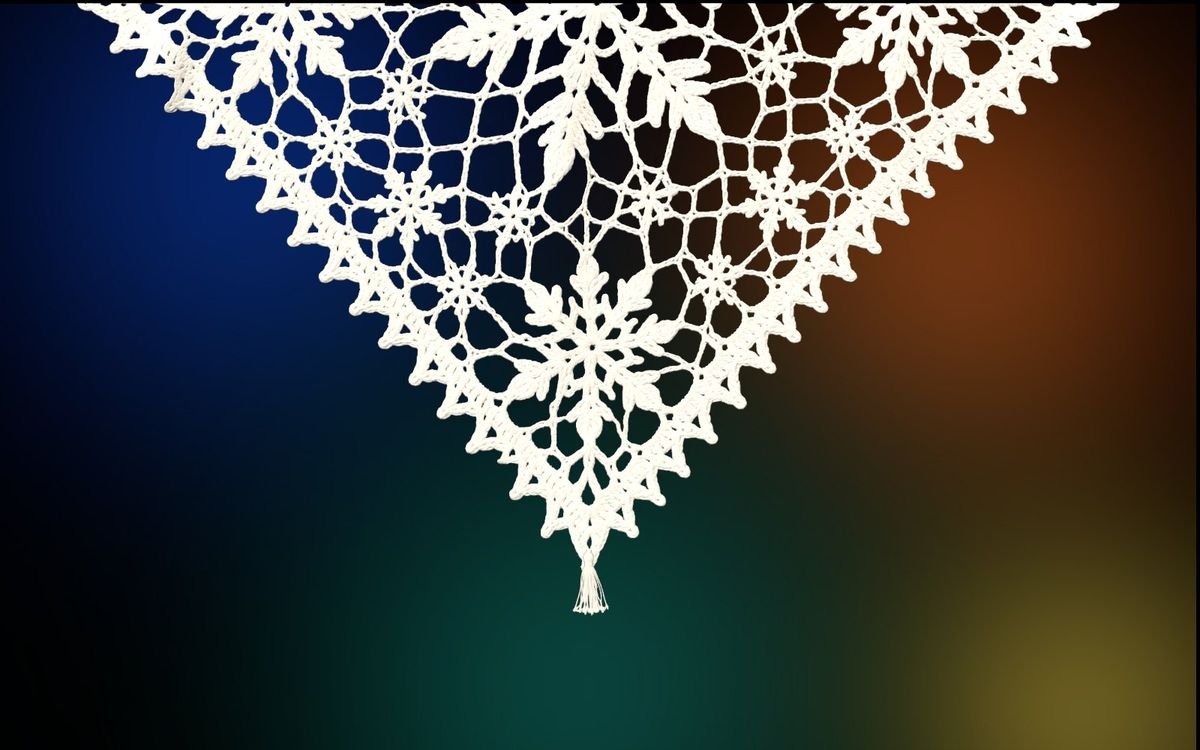
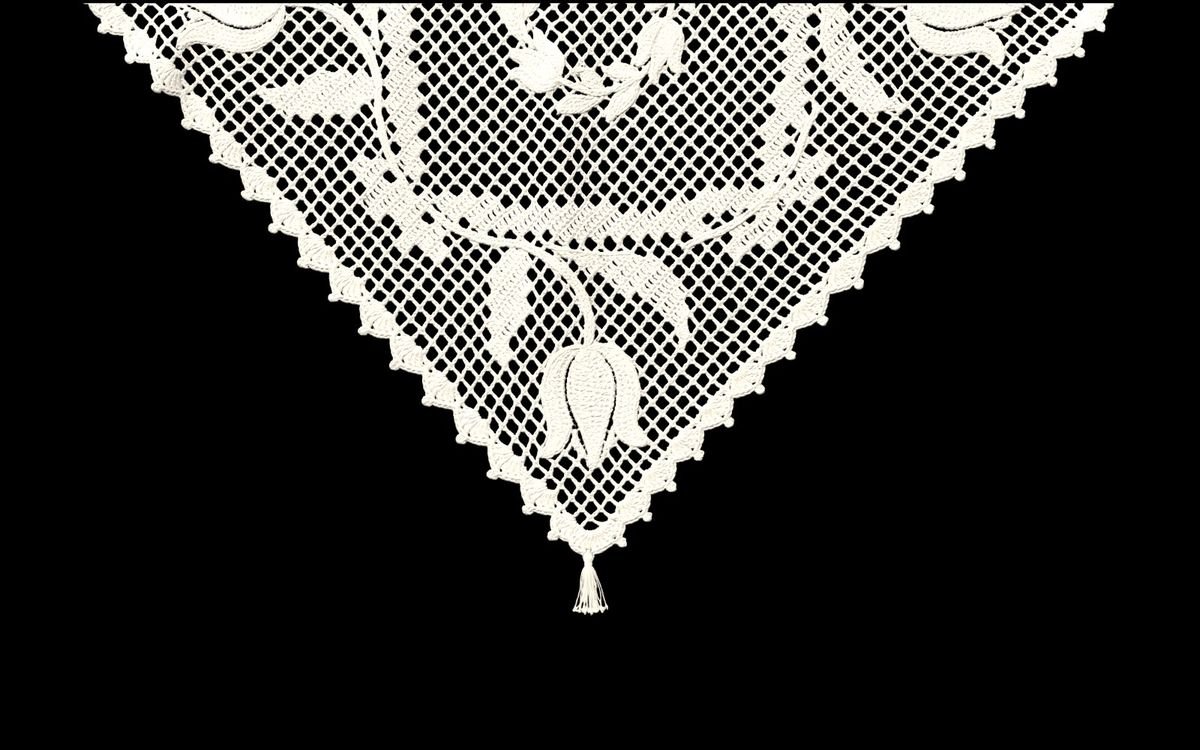
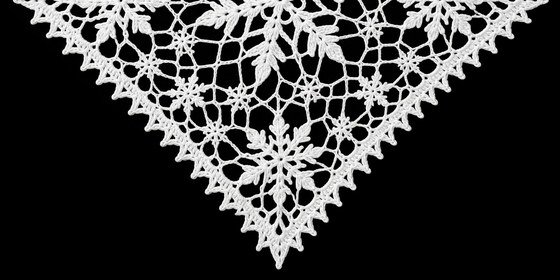
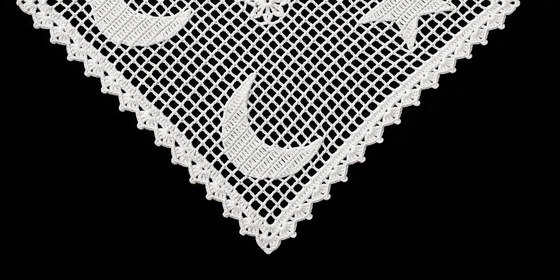
Tulips in April. Snowflakes all winter. Crescent and star on national days. They can change by themselves.
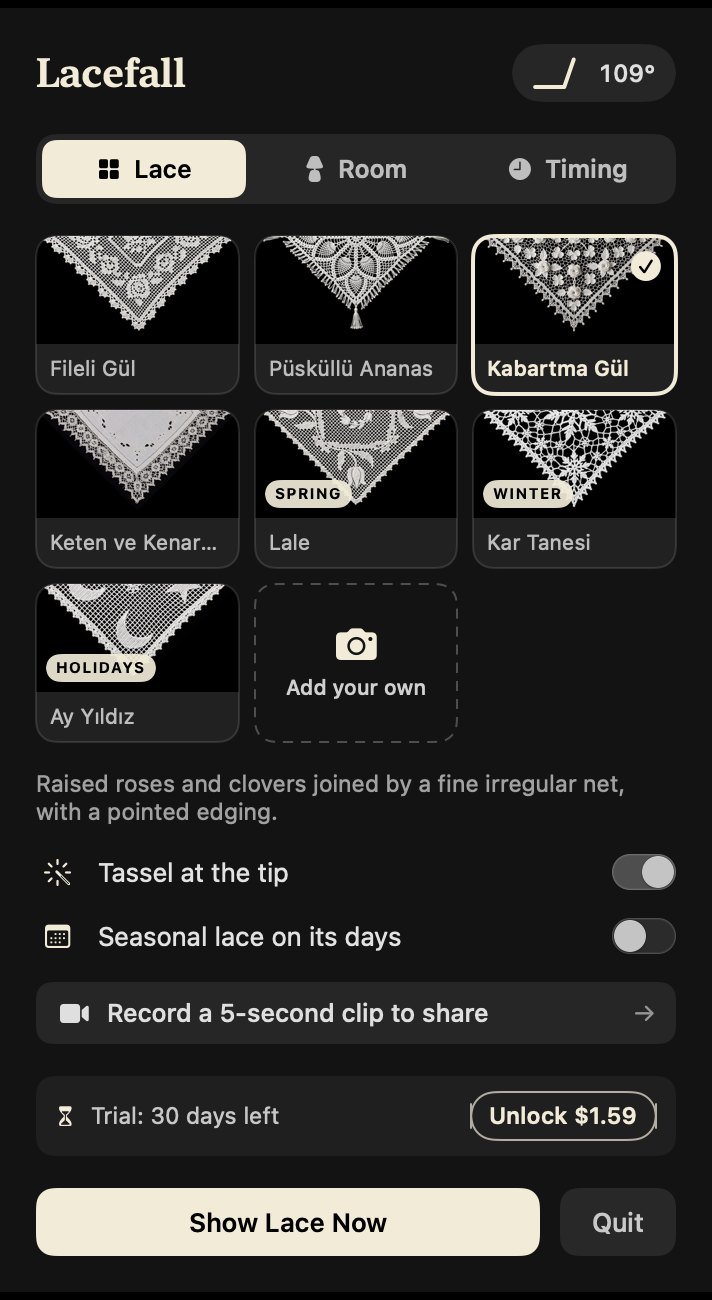
Lacefall lives in the menu bar. Pick a cloth by looking at it, set when it appears, how fast the dust builds and how windy the room is.
Easy on OLED.
The cloth drifts by a few pixels over several minutes, so no pixel stays lit in one place. The screen can go fully dark after 30, 60 or 120 minutes.
One click records your lace shaking off its dust and saves it as a video.
Each keeps its Turkish name. Four for every day, three for their seasons.
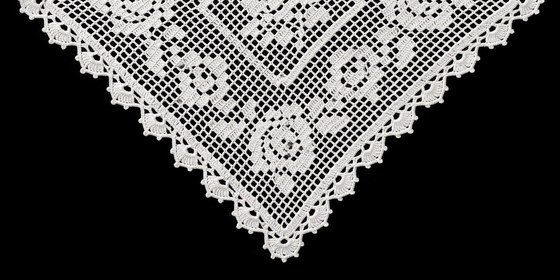
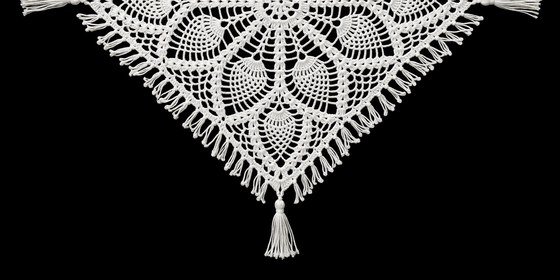
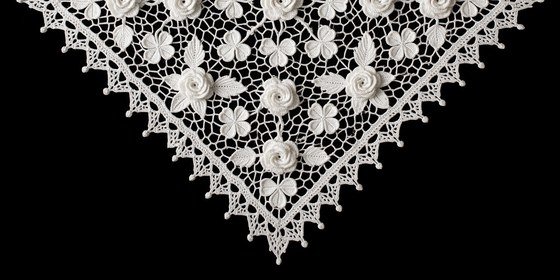
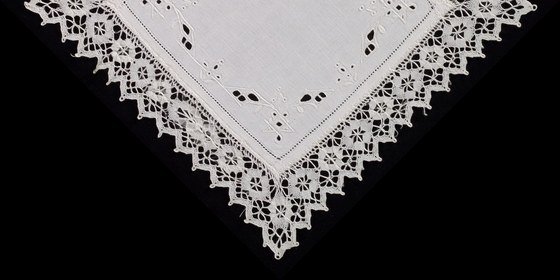
No subscription and no account. If you don't buy, Lacefall keeps working as Lite.
Free
What stays after the trial.
$1.59 one time
Everything in Lite, plus:
The download opens here shortly. For macOS 13 or later; the first 30 days include every feature.
Any Mac with macOS 13 or later. On MacBooks with a lid angle sensor the cloth follows the lid. On desktop Macs and external displays it moves with the breeze instead.
It behaves like one. Lacefall is a menu bar app that shows the lace after the idle time you choose, or the same time as your system screen saver. Any key or mouse movement takes it away.
It is processed on your Mac and stored in your own Library folder. Nothing is uploaded.
Lacefall keeps working as Lite. The other clock styles, the backgrounds, the seasonal cloths and your own lace lock until you buy the full version.
On battery the cloth is drawn at a lower frame rate, and you can have the screen go dark after a set time.